GPT AI Flow: Shortcut Features Guide | Boost Your Productivity
01-Shortcut Settings

info
Note: This feature requires ensuring the application's permissions: Click here
- Please ensure the application has the necessary permissions for normal operation. If it fails to start normally, click "Open Anyway" in the "Settings > Privacy & Security > Security" section.
- Make sure the application has permission in "Settings > Privacy & Security > Accessibility" on MacOS.
- For Windows users, please ensure the application is run as administrator for the first time by right-clicking and selecting
Run as administrator. - Additionally, for Windows users, after ensuring the application has sufficient permissions, you need to quickly press the [Alt + `],
Alt+1,Alt+2, orAlt+3shortcut keys to ensure their normal use. If you find the shortcuts are not working properly, please try several times. You need to press quickly and release immediately for them to trigger normally.
02-Shortcut Features
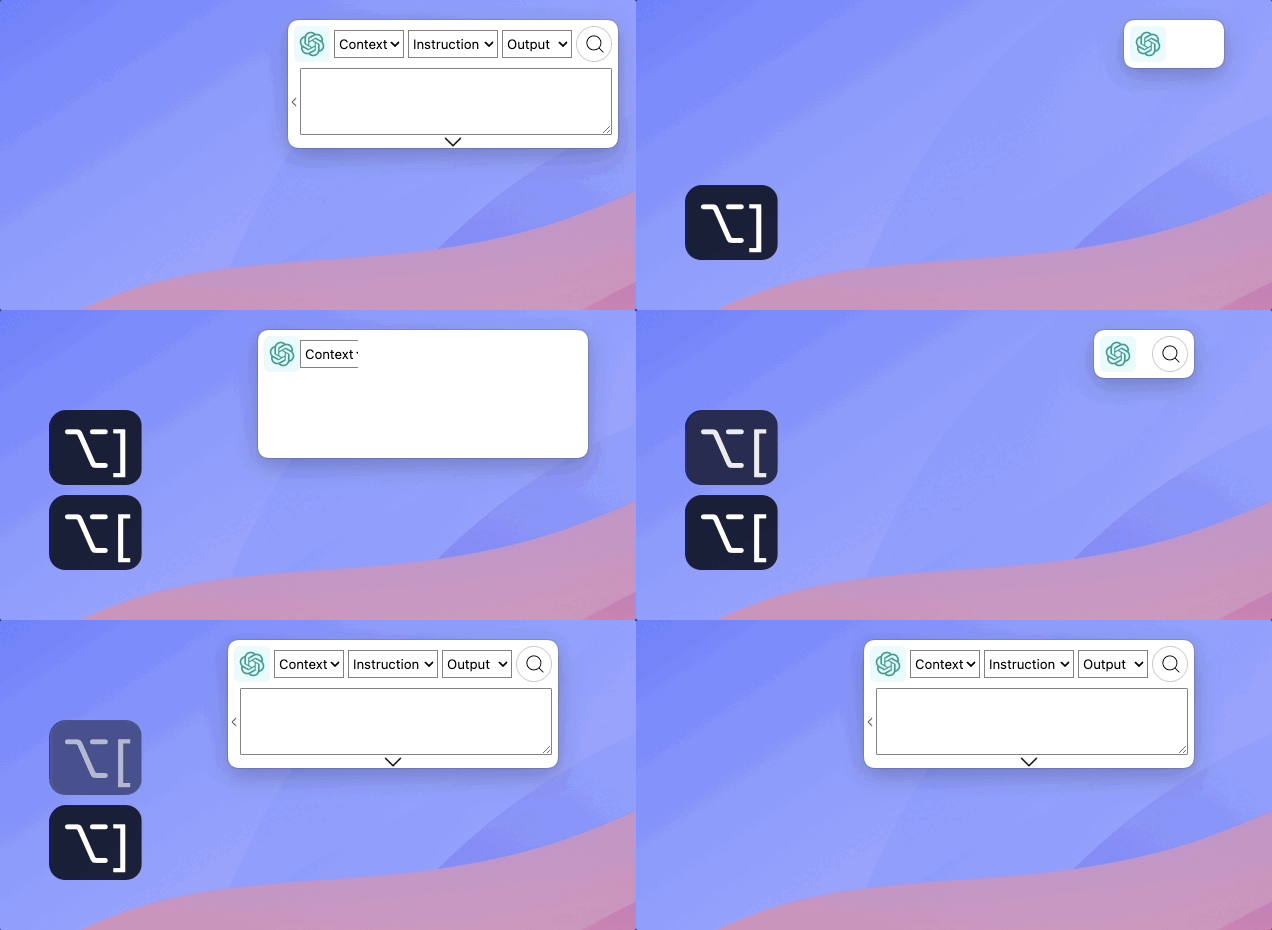
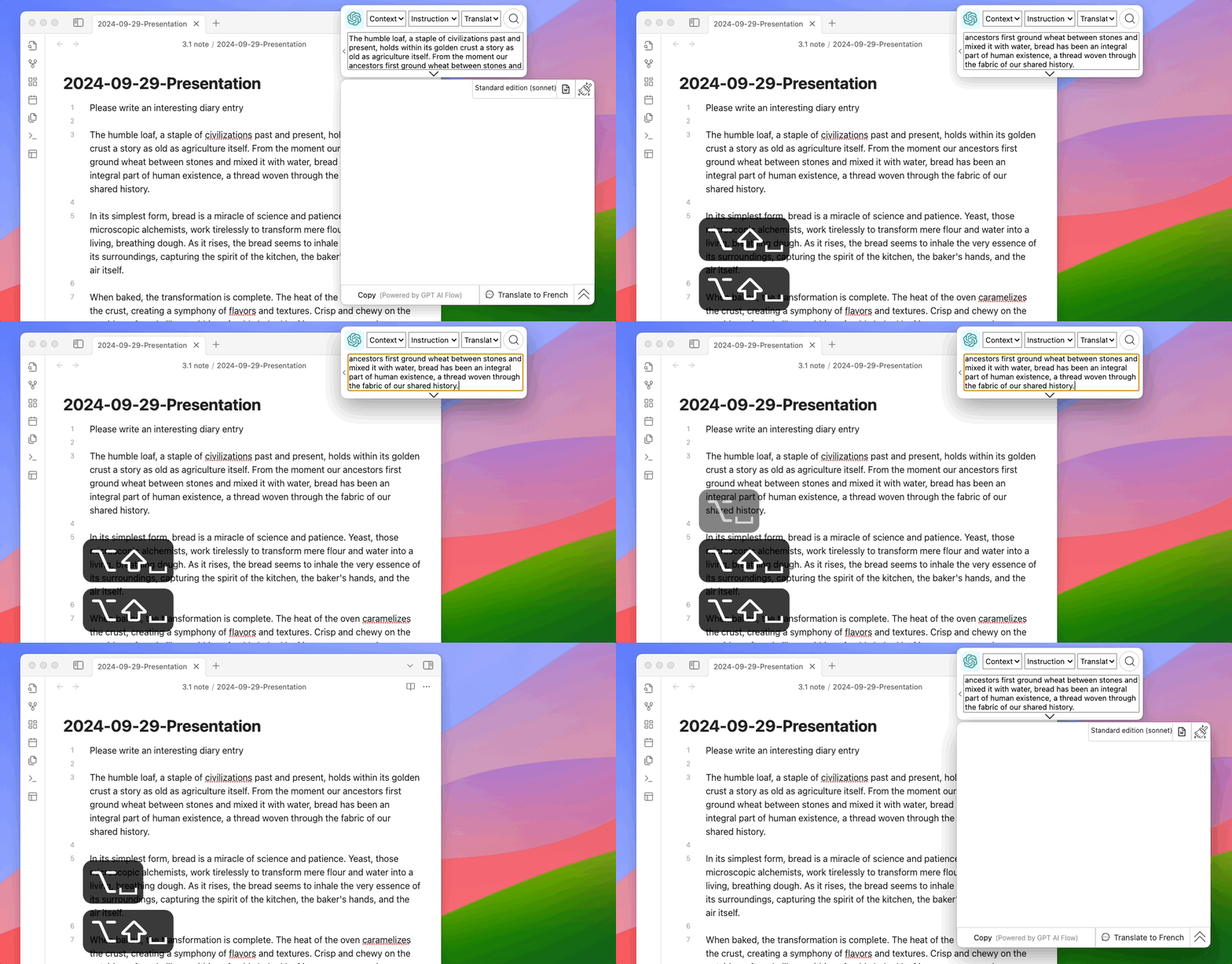
01-Alt + [ 和 Alt + ]: Expand/Minimize Main Interface
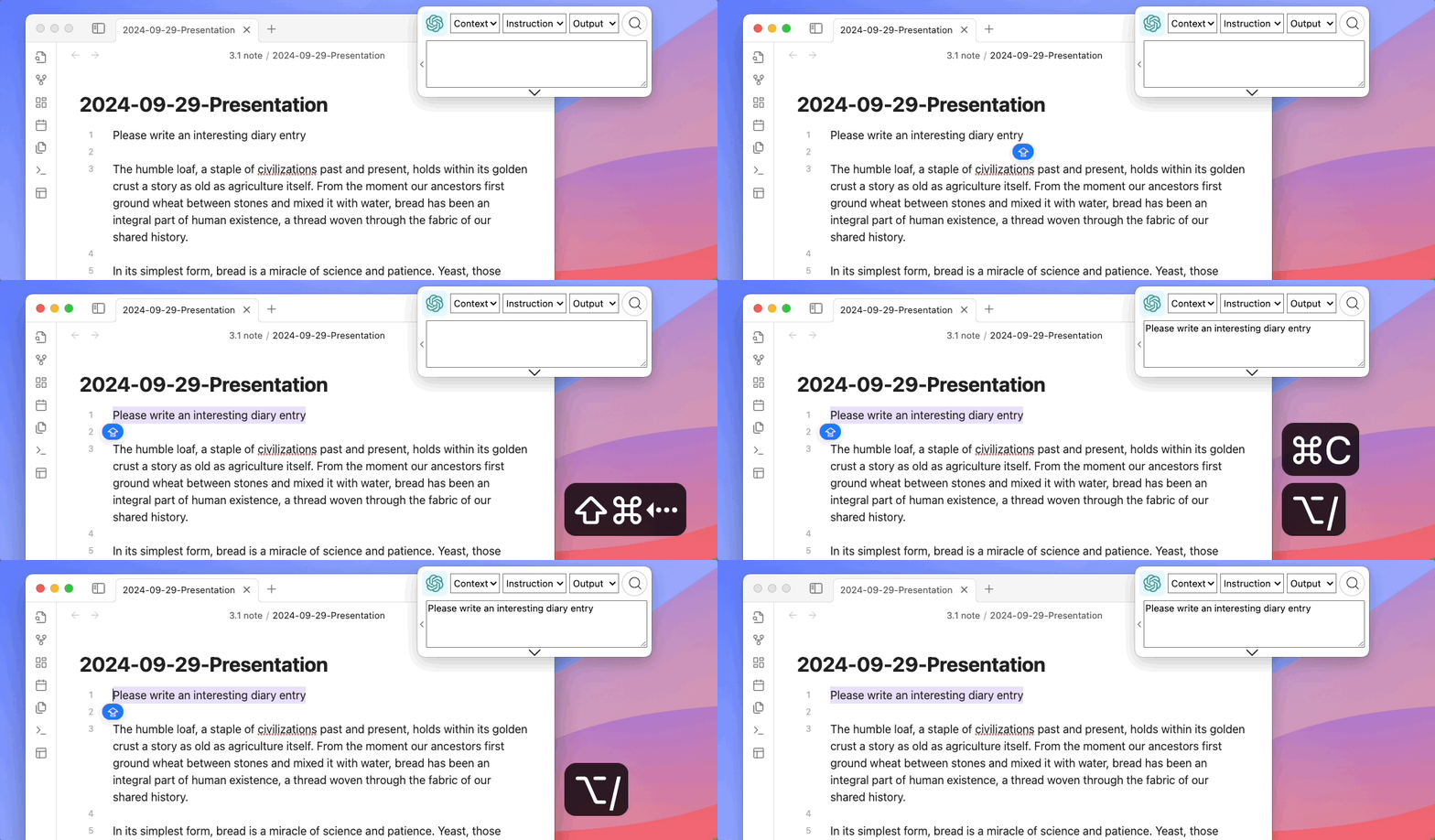
02-Alt + /: Write clipboard content into the input chat box of the floating main interface @DEPRECATED
03-Alt + Enter: Start/Stop Search

04-Copy "Selected Content" to "Preset Chat Channel" and Start Search
Alt + `
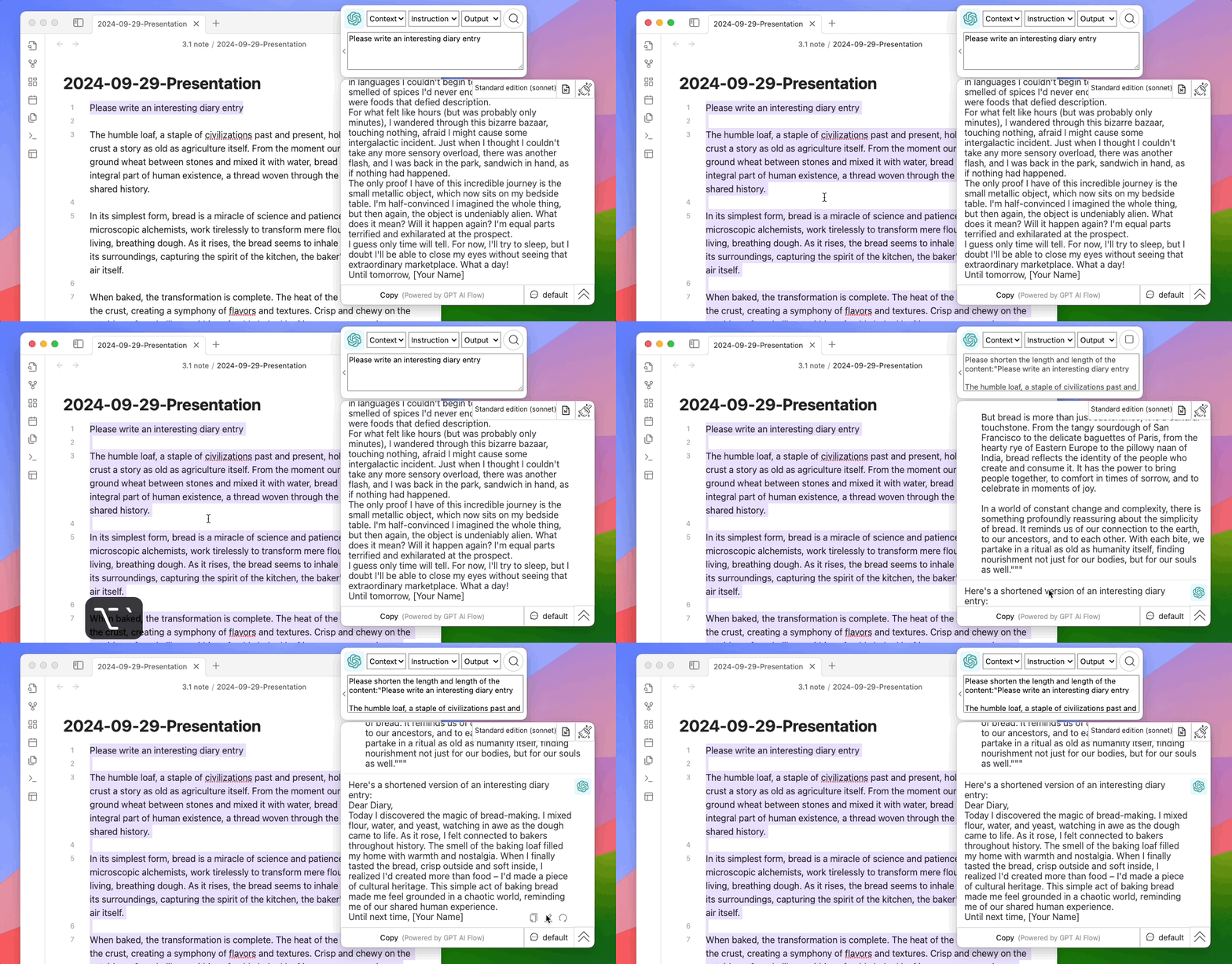
Alt + 1, Alt + 2, Alt + 3
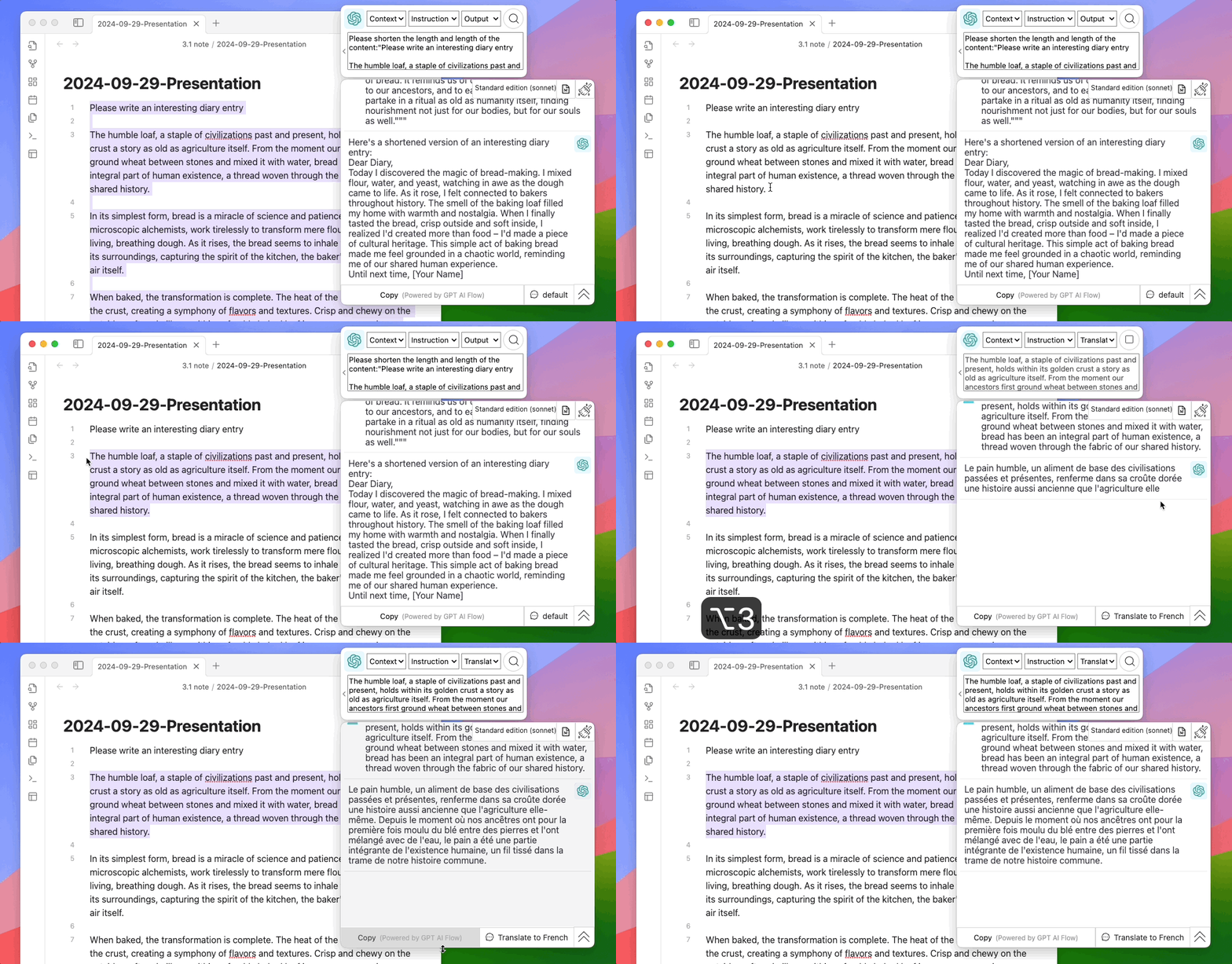

05-Alt + 0: Clear Current Chat Channel History
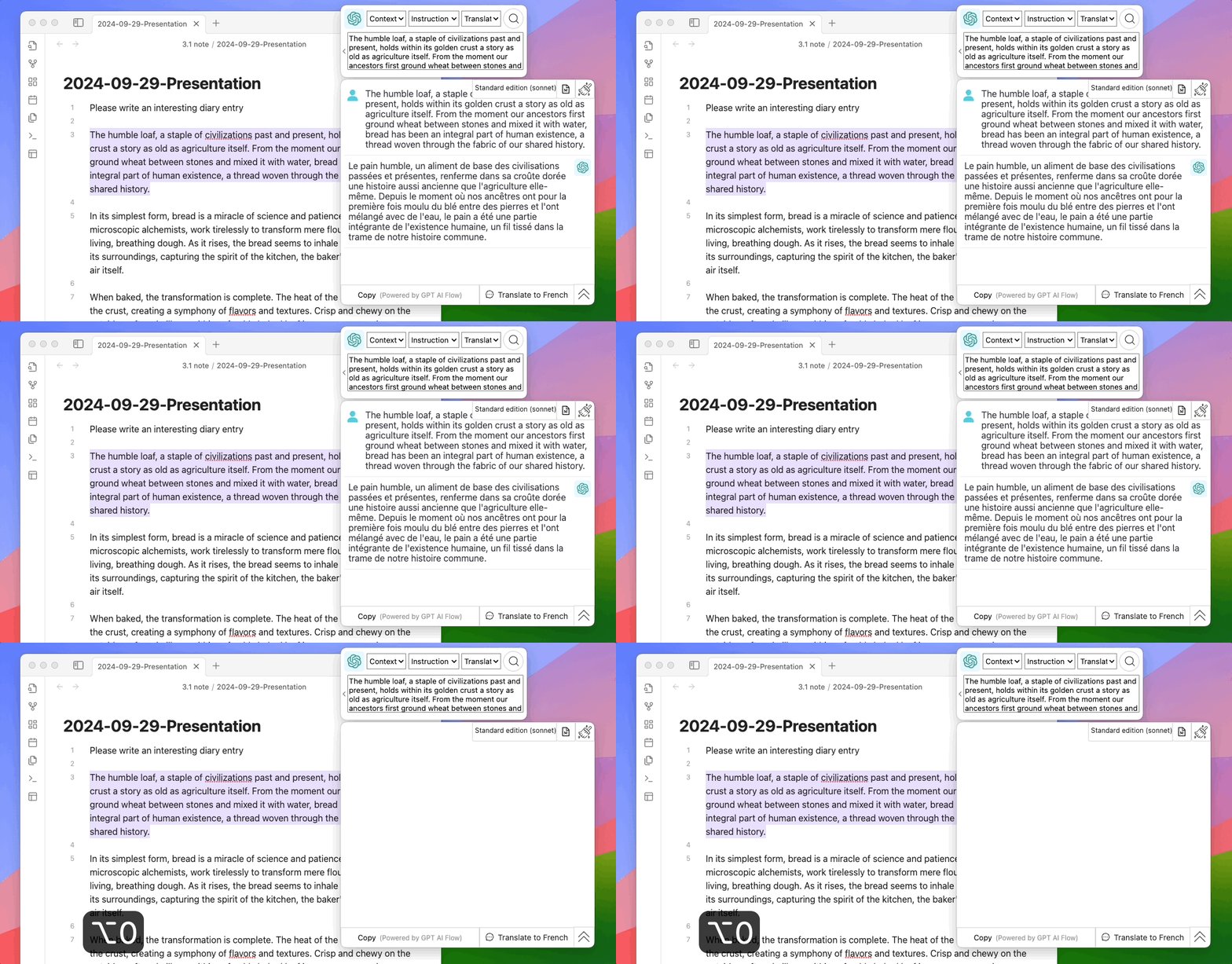
06-Alt + Space: Show/Hide Chat Window
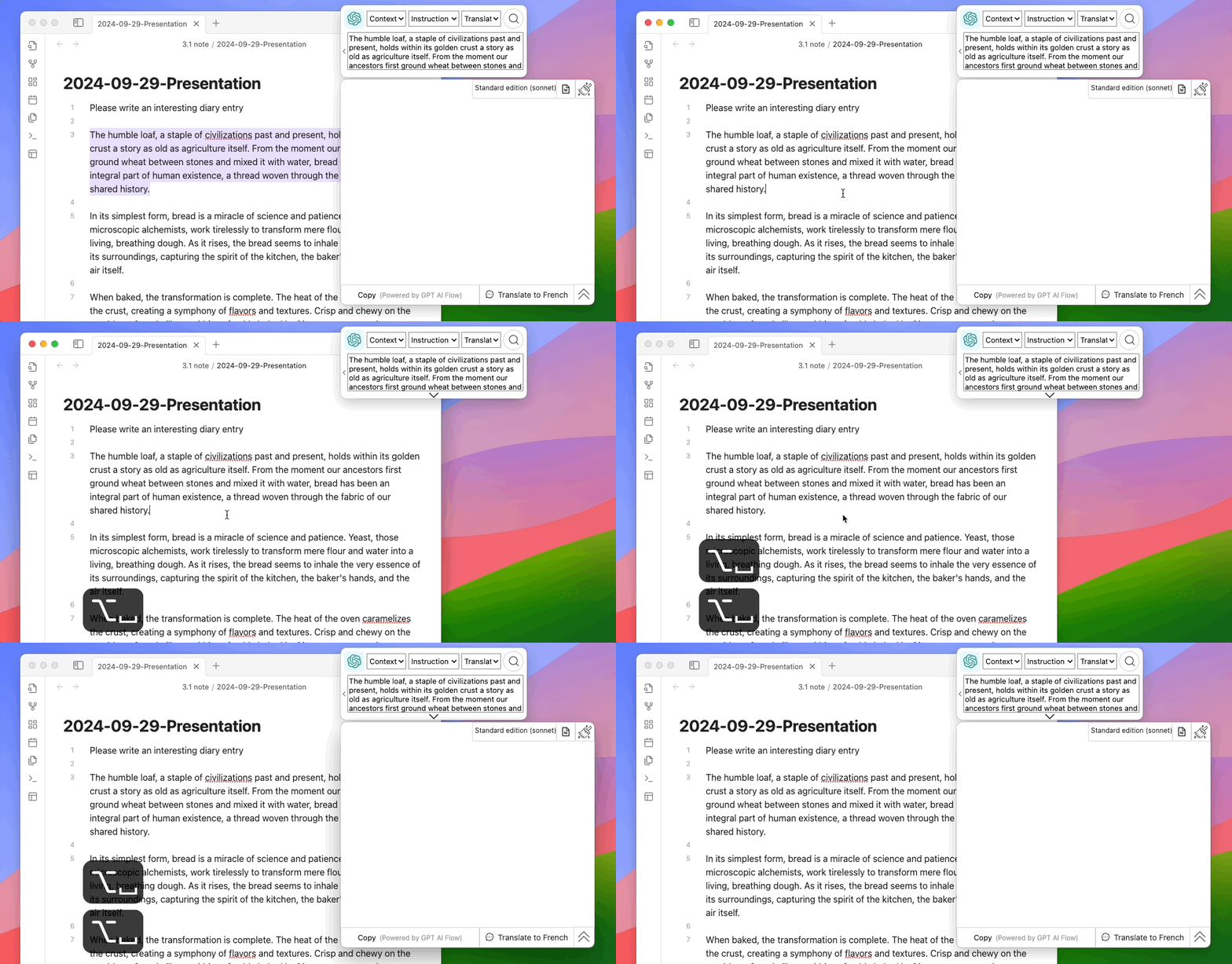
07-Shift + Alt + Space: Show/Hide Main Interface and Chat Window
Join Us
- Try it now: Download Desktop App
- Contact Email: hello@gptaiflow.com
- Product Feedback:
- Tencent Survey: Click here
- Google Form: Click here
- 💬 Questions? Check the FAQ: Click here
Start using the Obsidian Writing Agents Team today — and let the notes that have been sleeping in your Obsidian grow again.